






What are laptop stickers?
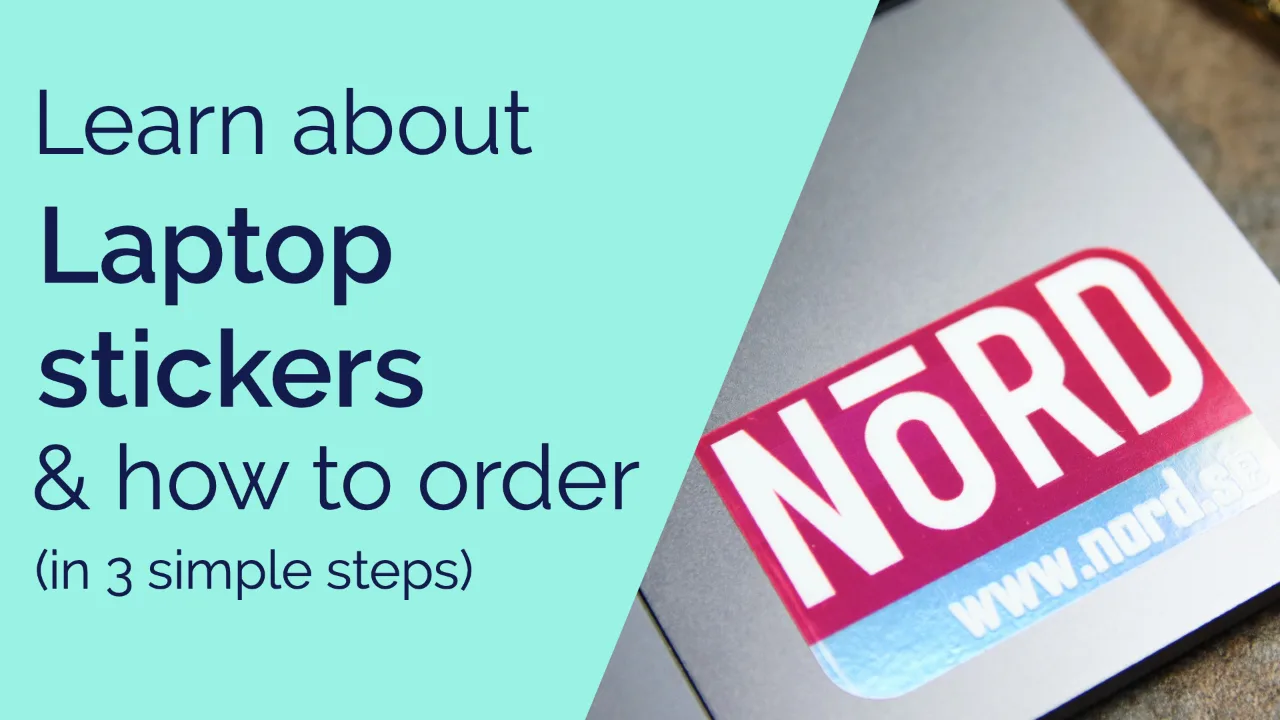
These stickers for your laptop are resistant to scratches, water, coffee spills and fading in sunlight.
All materials are laminated and will withstand the daily dose of knocks, scratches and dirt your laptop experiences.
There are 6 vinyl materials to print your design on. Each gives a different effect.
To change the material, make your selection above in the pricing calculator.
These stickers are digitally cut in any shape around your design.
You can choose any size to fit your laptop, as small as 2cm x 2cm.
Stickers made for a laptop have medium-strength adhesive to stick to any surface of your laptop; glass, plastic & metal.
They will also not leave much glue residue behind when peeling away.
All laptop stickers are finished with a clear gloss over-laminate that protects the printed layer and gives it a glossy appearance.
The laminate really makes these stickers feel premium and gives them a beautiful quality.

How we ensure you get perfect stickers

We guarantee
If you aren’t satisfied with your stickers, we’ll make them right with a reprint or refund*

Free proofs
We send proofs before printing so you know your design will print exactly as you want.


Helpful people
Experienced print experts, designers and lots of helpful people are keen to give you advice.

Stunning quality
Our HP Indigo, the Rolls Royce of digital printers, and our laser cutter gives incredible quality & speed.
Product reviews
Cool custom stickers for your laptop
If you're a creator, a laptop sticker is one of the fastest ways to make a plain lid look like yours. If you're a small brand, it turns every coffee shop, meeting room and co-working desk into free exposure. If you're kitting out a team, it's an easy way to tell whose laptop is whose in a shared office.
Choosing the laptop sticker size
We'd recommend somewhere between 4cm and 7cm. That's big enough to be seen without taking over the whole lid, and it leaves room if you're planning to sticker bomb the rest of it over time.
How to arrange more than one
Shape plays a bigger role here than people expect. A mix of custom die cut shapes gives you that loose, sticker-bombed look. Sticking to one or two shapes, circles or squares, gives a neater, more deliberate layout instead. Neither is right or wrong; it depends on the look you're going for.
Ready to get started? Scroll back up, choose your material, shape and size, and we'll generate your price. Starting from scratch? Our free online designer can help you build something from nothing, no design experience needed. If you're not sure what to choose, our help me choose guide can point you in the right direction.
FAQs
Will a laptop sticker damage my laptop?
No, vinyl stickers use a medium-strength adhesive designed to come away cleanly without damaging the surface underneath.
How long will my laptop sticker last?
Longer than you'd think. A laptop spends most of its life protected, in a bag, on a desk, screen-side up rather than sitting in direct sun, so it rarely gets the kind of exposure that shortens a sticker's life. Vinyl handles the occasional trip outdoors without any trouble.
Where should I put a sticker on my laptop?
The outer lid, the top surface you see when the laptop is closed, is the safest spot. Avoid the screen, keyboard, trackpad, speakers and any air vents. If you're placing one on the inside, near the keyboard deck, check it won't get in the way when the screen closes.
Is it unprofessional to have a sticker on my laptop?
It depends on where you work. Some offices are covered in them, others keep things bare. If you're not sure, a quick look at your colleagues' laptops will tell you more than any rule we could give you.
Do businesses buy laptop stickers for employees?
Yes, and not just for branding. A logo sticker on every company laptop makes devices easy to tell apart in a shared office, cuts down on mix-ups when laptops get reissued or returned, and gives new starters something small that makes the equipment feel like theirs from day one.